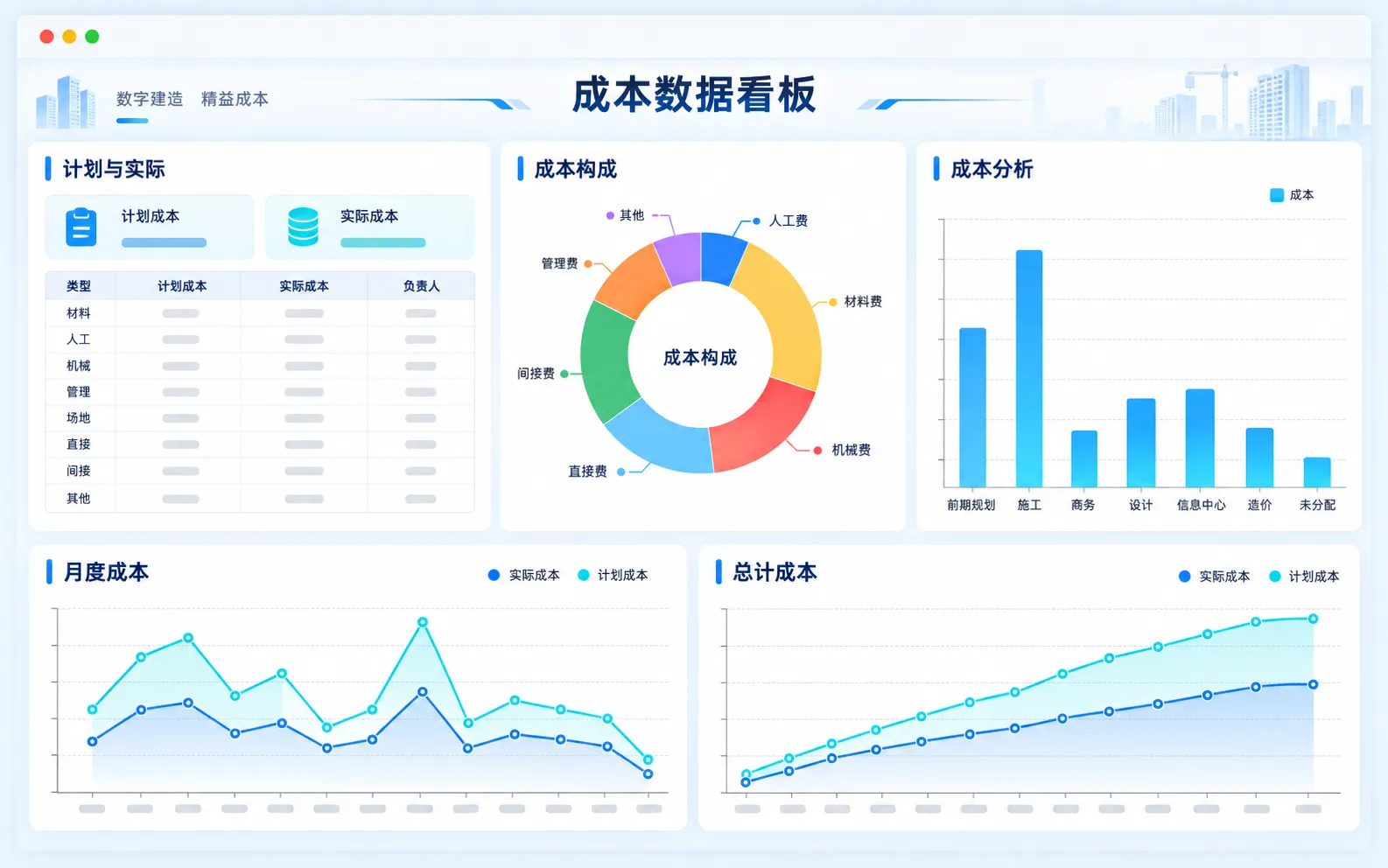
BIM Lifecycle Consulting Platform
Connect project stages with traceable consulting records
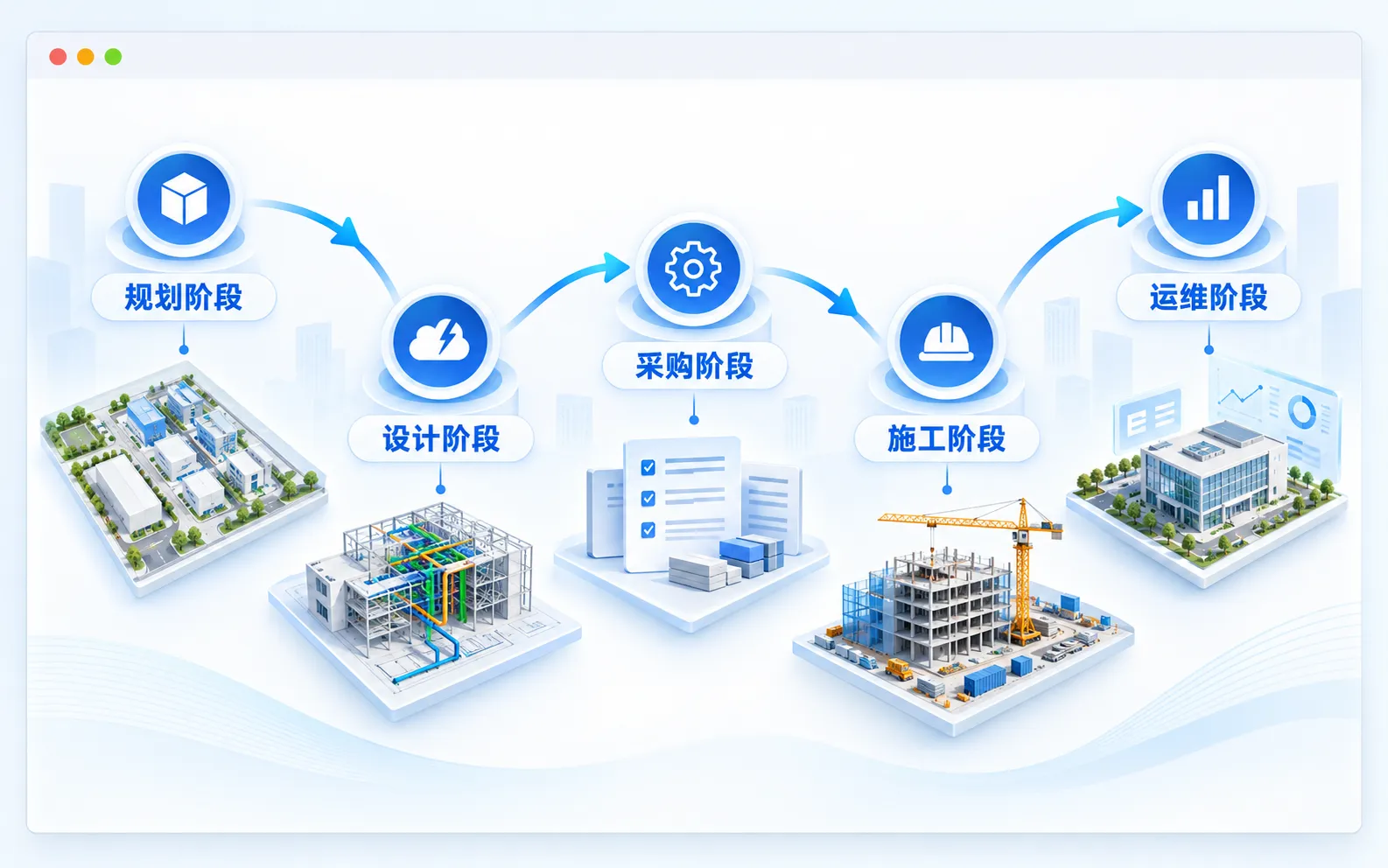
Use BIM and GIS to connect feasibility studies, design, tendering, construction and completion. Bring participants and project activities together with workflows configured for each project.
Book a demoEnd-to-End Workflows
Traceable Project Data
Organize activities and documents across project stages, connecting earlier deliverables with implementation records and subsequent work to maintain a continuous project history.
Connect Project Stages
Link design, construction and operations within one project framework to reduce information gaps.
Record Actions and Decisions
Retain the origins and outcomes of actions and decisions for later review.
Configurable Processes
Flexible Workflows
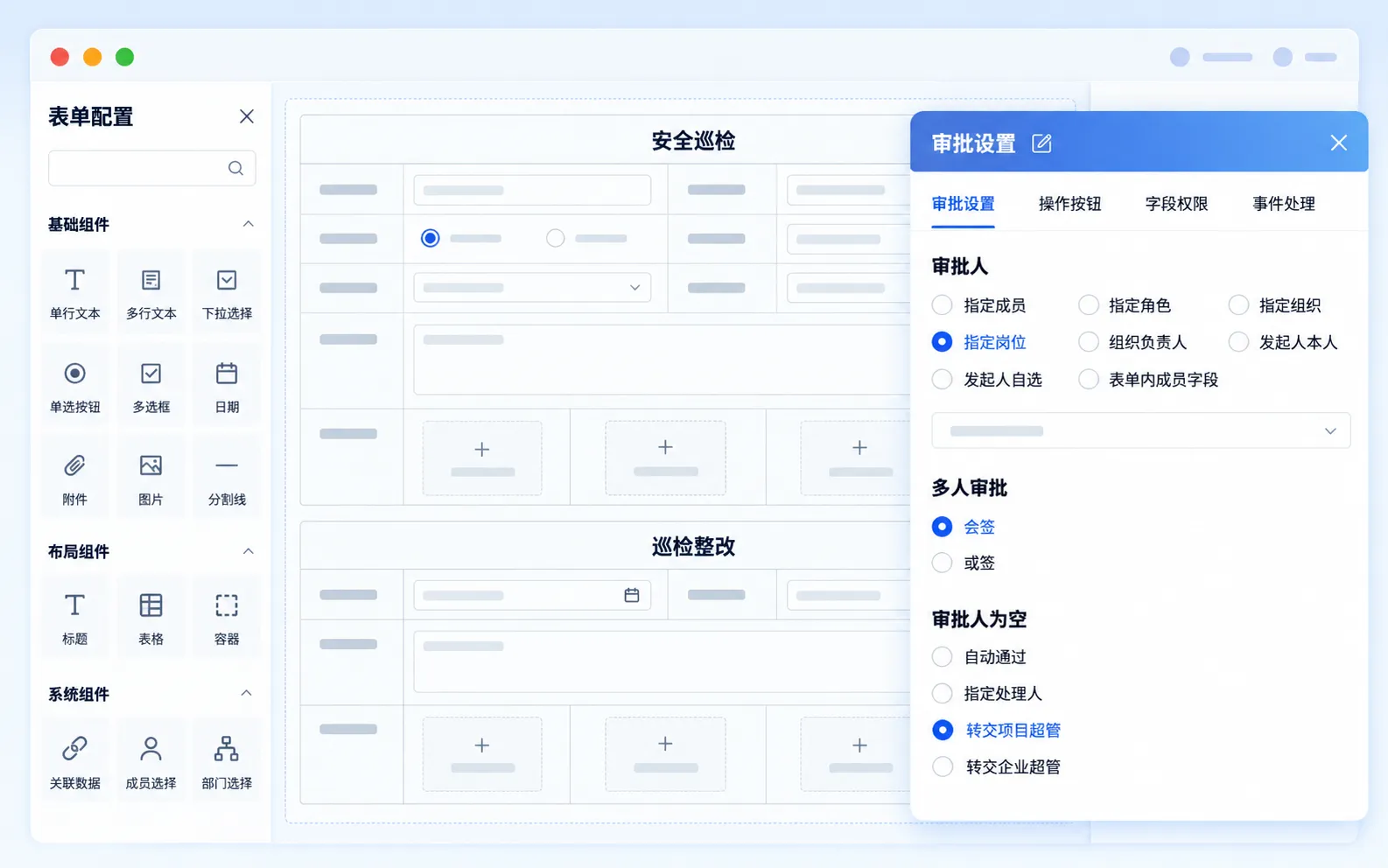
Configure rules and workflows for project requirements and management procedures, translating the consulting team's working methods into forms, steps and actions.
Rules That Fit the Project
Define management activities and business rules around each project's requirements.
Adapt Workflows as Needed
Configure approval and collaboration paths for the current project stage.
BIM Visualization
Understand Work in Context
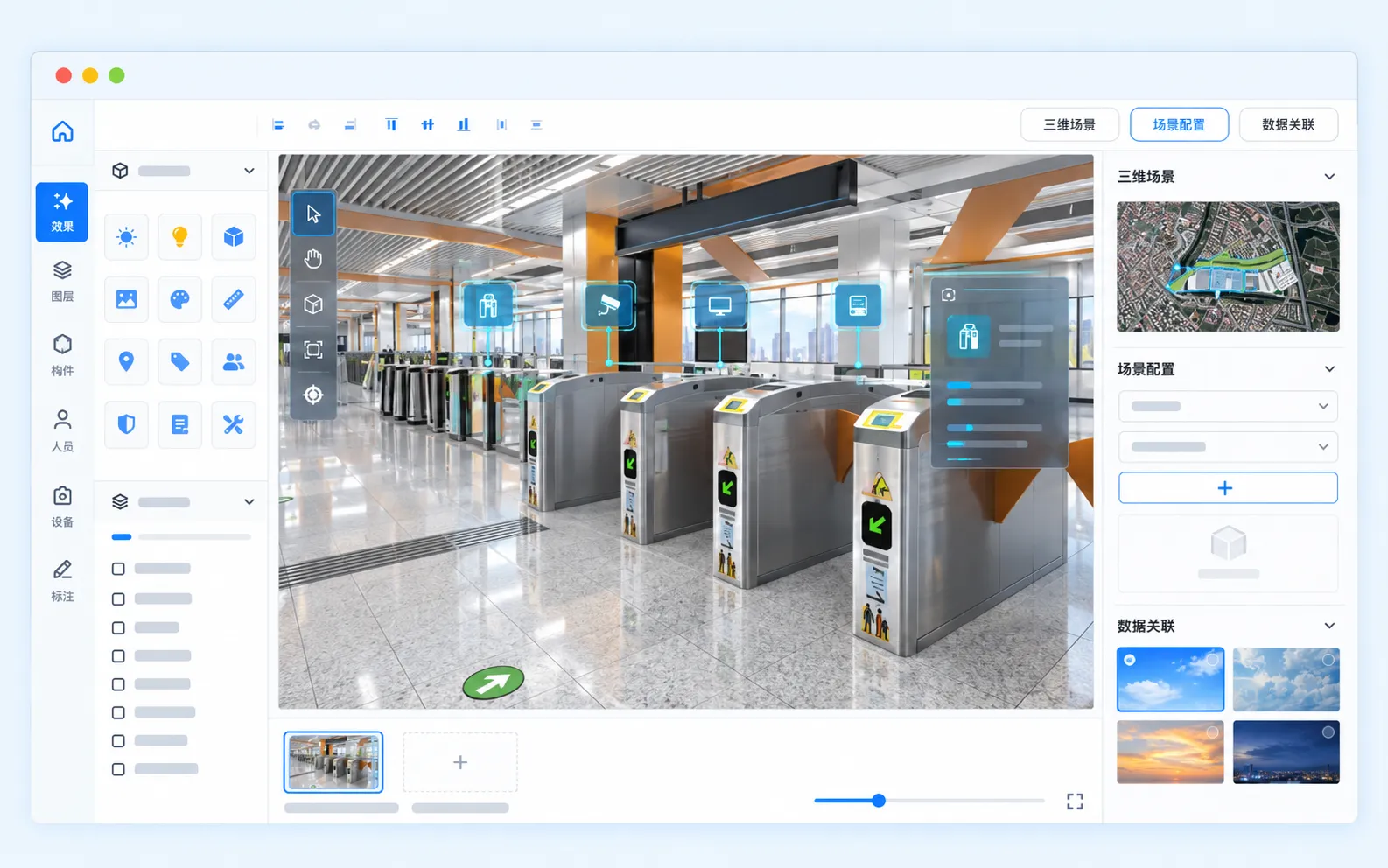
Link business information to BIM models through visual interfaces and interaction, helping teams understand engineering objects and project activities together.
See Engineering Objects Clearly
View engineering information in 3D to understand spatial and object relationships.
Connect Models and Workflows
Access related information through visual interaction instead of repeatedly searching separate documents.
Built Around Project Work
Aligned with Your Organization
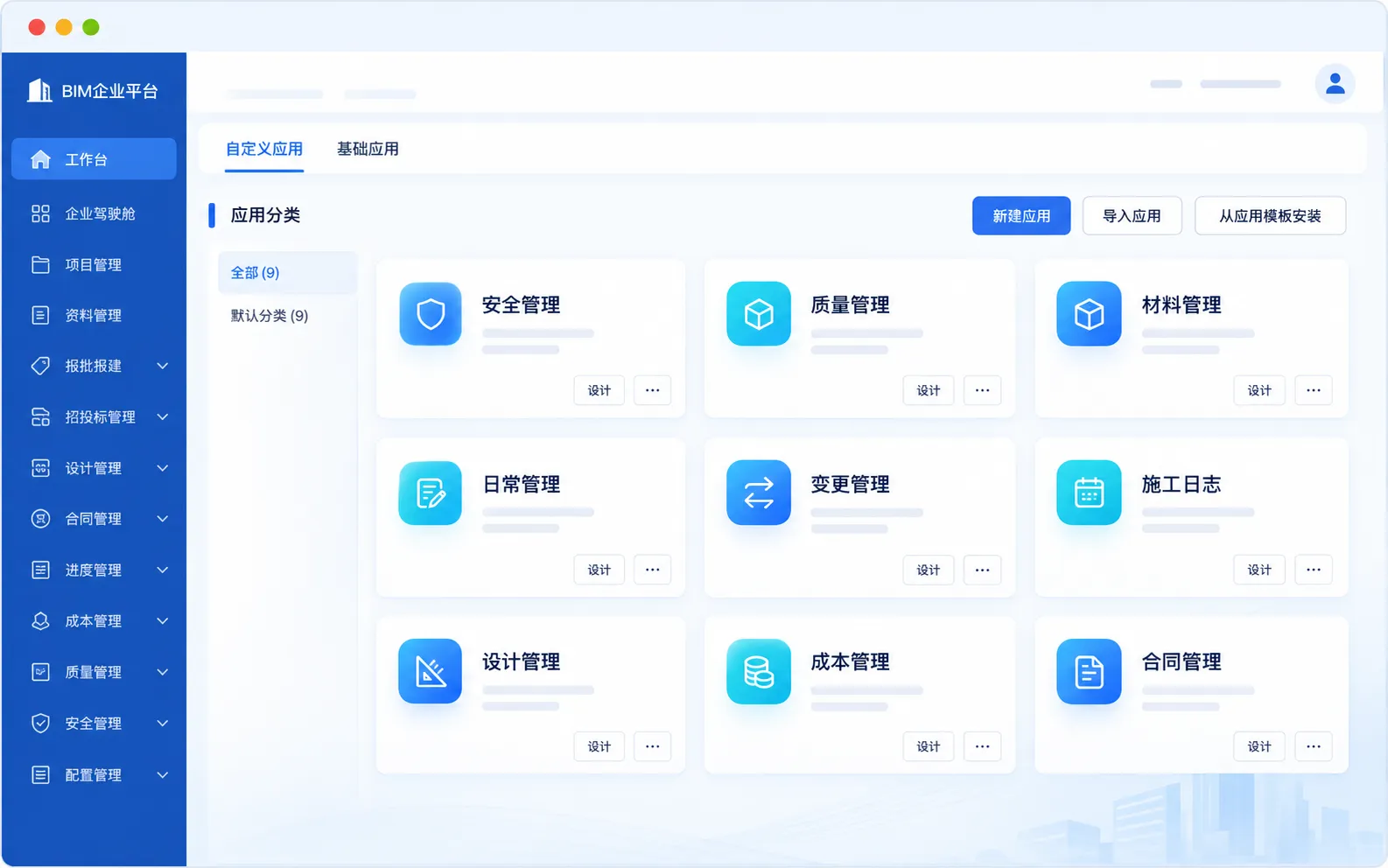
Organize applications around real engineering activities and the needs of project teams and external participants, supporting everyday consulting work.
Configure by Work Scenario
Organize management modules around actual tasks and responsibilities.
Support Different Participants
Connect project teams and external participants through coordinated roles and activities.
Cross-Device Collaboration
Connect Organizations
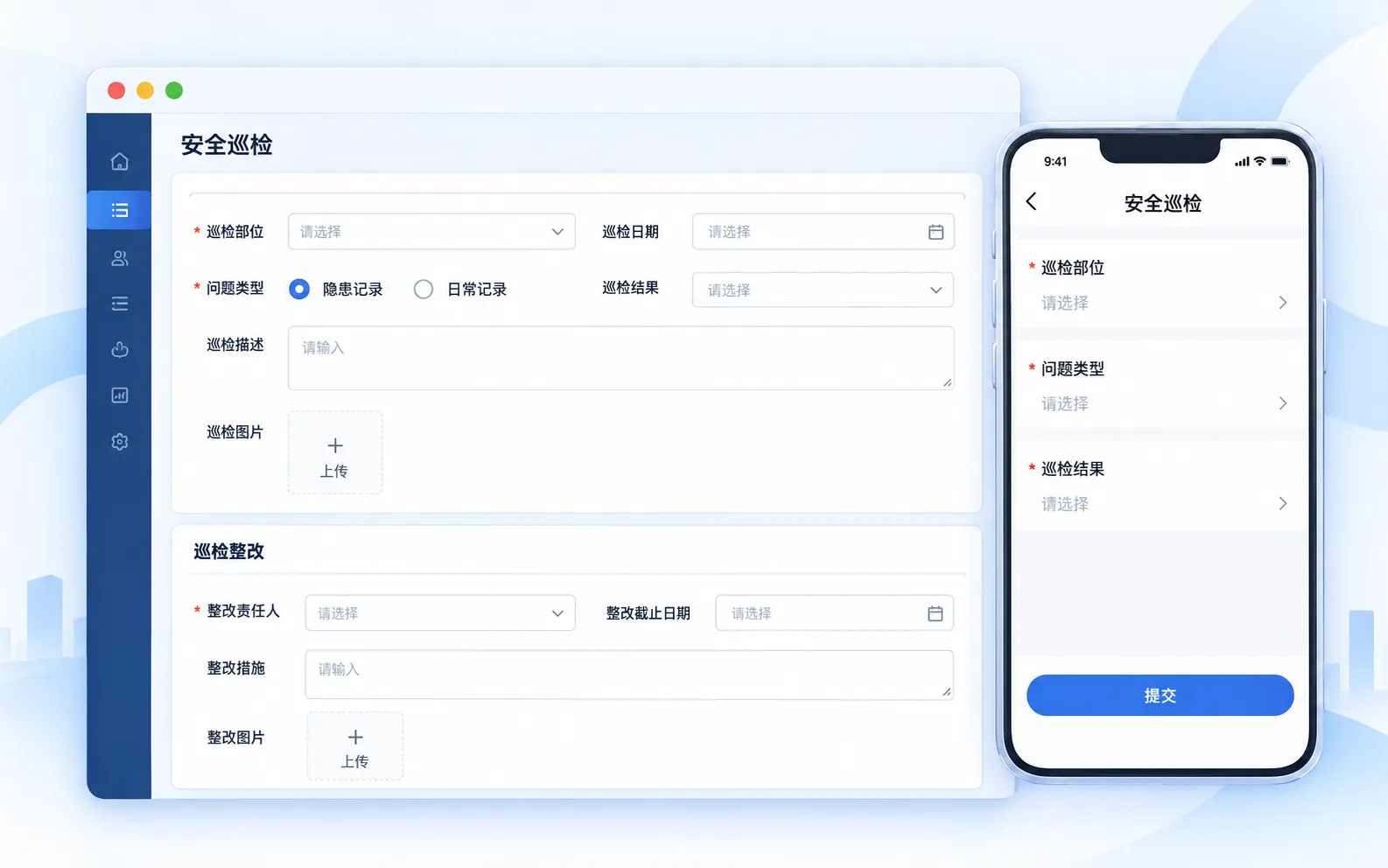
Support project work on computers, phones and tablets, connecting organizations and departments across the office and the field.
Continue Work Across Devices
Review information and handle tasks across devices for field and remote collaboration.
Share Across Organizations
Connect project organizations and departments to reduce information silos.
Role-Based Information
Support Project Analysis
Configure interfaces and functions for each user's responsibilities, and analyze project data to inform management decisions.
Configure for Each Role
Present the interfaces, functions and priorities relevant to each role.
Inform Decisions with Project Data
Analyze changes in project activities to support management judgment.